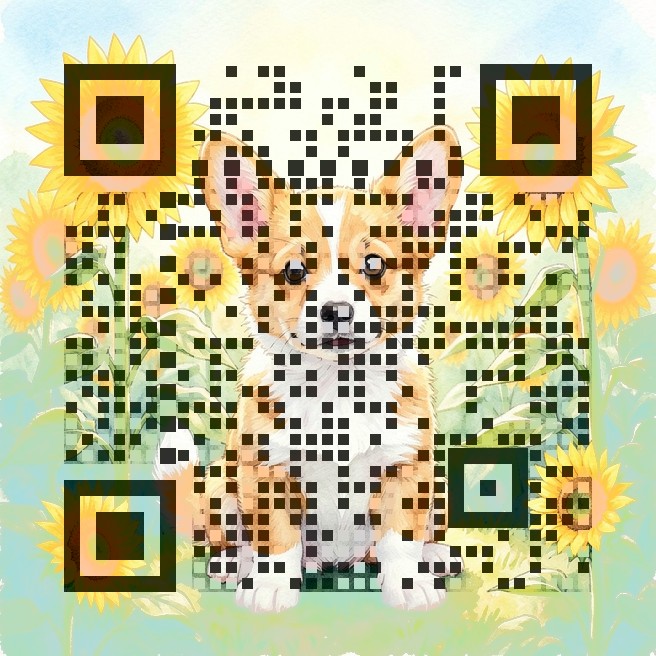
What to put behind a pet tag QR code
- A simple contact page with your pet's name, your phone number and "Please call me, I'm lost!" — a free page on Carrd, Google Sites or a shared Google Doc works.
- Medical notes — allergies, daily medication, the vet's phone number.
- A link that opens a text message or call, such as
tel:+15551234567— the shortest possible code, which is easiest to scan on a tiny tag.
Making it small enough for a tag
- Short links make bigger modules, and bigger modules scan better on a small tag. Use the shortest link you can.
- For a round 25–30 mm tag, use the Square style and the strongest setting; for a collar banner or carrier label you can afford Dots or Rounded.
- Engraved metal tags have low contrast: prefer a printed, epoxy-covered tag or a sticker on a hard tag.
- Download the free 2048px version so the print shop gets a sharp file.
Test it like a stranger would
- Scan the finished tag at arm's length, in the shade, with a phone that isn't yours.
- Make sure the page opens without a login and shows your phone number at the top.
- Keep your phone number on the back of the tag too — a QR code is a helper, not a replacement for a microchip.
How the scan check works
A QR code is a grid of dark and light squares (modules) plus three big corner squares that tell the camera where the code is. Our generator keeps your artwork underneath and only darkens or lightens the centre of each module, so from a distance you see the picture and up close the camera sees the pattern. The three corner squares are drawn solid so phones can lock on quickly. Error correction is set to the highest level (H), which lets a code survive about 30% damage. After drawing, the page decodes the result with jsQR at full size and again shrunk to 300 pixels, roughly how a phone sees a small print from arm's length. If either test fails, it increases the contrast step by step and tries again. If even the strongest setting fails, it tells you instead of handing you a code that might not work.
FAQ
Will a QR code fit on a small pet tag?
Yes, if the link is short. A phone link (tel:) or a short URL creates a code with few modules that can be printed around 2–2.5 cm wide.
Does it need a subscription like some smart tags?
No. The code opens your link directly. There is no account, monthly fee or app.
Can I use a photo of my own pet?
Yes. Upload a bright photo; soft backgrounds give the cleanest result. The scan check tells you if the picture is too busy.
Is my pet's information stored by FunMagi?
No. The code is made in your browser and only contains the link you typed. We don't store your link or picture.
Make your code now
Open the free QR Art generator, paste your link, pick an artwork and style, and download a scan-checked PNG. Need it for print? Use the free 2048px HD version.
More guides: Wedding QR codes · Menu QR codes